
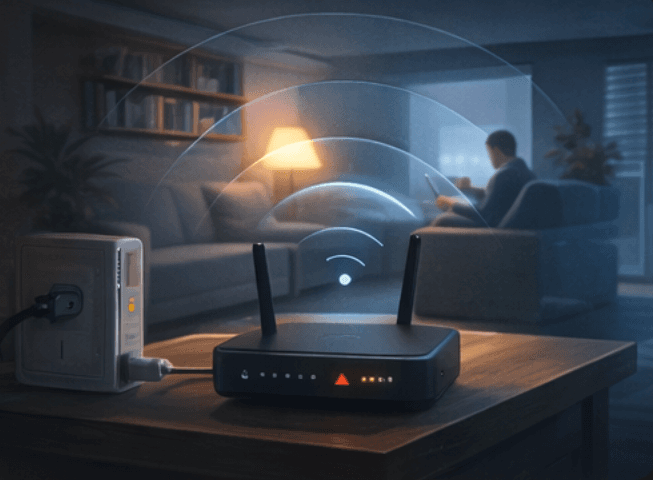
Why Wi-Fi feels fine in one room and poor in another
Wi-Fi is a radio signal. The farther it has to travel, the weaker it becomes. Thick walls, floors, mirrors, appliances, brick, metal, and even large furniture can reduce how much signal reaches the next room.
That is why one part of the house or office can feel perfectly normal while another spot drops calls, buffers videos, or takes forever to load a page.
Router placement matters more than most people expect
A router hidden in a cabinet, placed on the floor, or pushed into one far corner of the building starts with a disadvantage. In many homes, moving the router helps more than changing settings at random.
- Place the router higher up when possible, not on the floor
- Move it closer to the center of the space instead of one far edge
- Keep it away from televisions, microwaves, large speakers, and metal cabinets
- Do not bury it inside furniture unless there is no other option
Check whether the problem is the room or the device
One struggling laptop or phone does not always mean the whole network is weak. Sometimes a single device needs a restart, an update, or a closer look at its own Wi-Fi adapter.
Try a second device in the same spot. If both devices are weak there, the room is probably the problem. If only one device struggles, the device may need attention more than the Wi-Fi layout does.
Do not rush to an extender just because the signal is weak
Range extenders and mesh kits can help, but they are not magic. If the main router is already in a poor location, an extender may just repeat a weak signal and spread the same problem farther.
That is why simple checks come first. Test the rooms that matter, improve placement, restart equipment, and then decide whether you need better coverage equipment or a larger plan.
What to check first
If the Wi-Fi has been unreliable for a while, use the same short checklist before spending money.
- Restart the router and the device you are testing
- Test the same room with a second phone, tablet, or laptop
- Move the router into a more open and central spot if you can
- Notice whether the problem is all day or only at certain times
- Check whether the weak area is the room you use most or just an occasional corner
When a bigger Wi-Fi plan makes sense
If video calls fail in the same rooms every day, the signal drops in the places where work actually happens, or the building is larger than one basic router can cover well, the problem has moved beyond a small tweak.
That is usually the point where better placement, a proper access point plan, or a mesh layout helps more than another round of guessing.